Coming soon
Made on Mac for Mac
AppDrop targets Linux desktop environments.
Not planned — use the native macOS Applications folder instead.
Not available yet
Primary download is a single AppImage — mark it executable, then double-click. Gear Lever or AppImageLauncher are fine. Zip + START-HERE.txt is retired.
Version 1.3.2
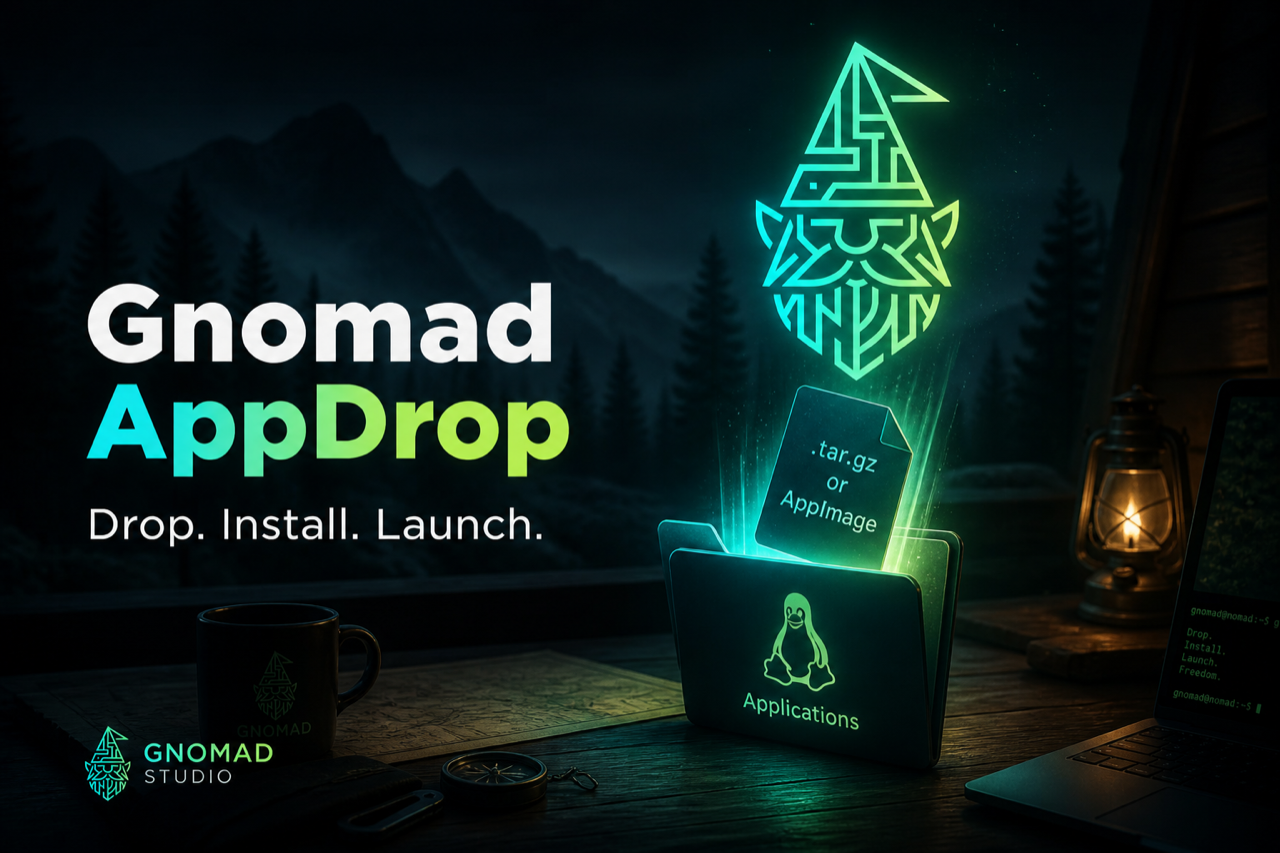
AppDrop targets Linux desktop environments.
Not planned — use the native macOS Applications folder instead.
AppDrop is for FreeDesktop Linux.
Not planned for Windows.
Primary: one AppImage — chmod +x or mark executable, then double-click. Gear Lever / AppImageLauncher OK. CachyOS, Arch, Fedora, KDE, GNOME. Fallback: Setup.tar.gz → START-HERE.desktop. First run installs into Applications; later, use in-app Update.
Gnomad-AppDrop-1.3.2-x86_64.AppImage
Gnomad-AppDrop-1.3.2-Setup.tar.gz
Also on GitHub Releases · Documentation
Gnomad-AppDrop-1.3.2-x86_64.AppImage chmod +x Gnomad-AppDrop-1.3.2-x86_64.AppImage, or in Dolphin:
right-click → Properties → Permissions → Is executable. Then double-click the file.
KDE/Dolphin is not GNOME Files — there is no “Run as Program” menu item. Use chmod / Permissions, then double-click.
First run installs AppDrop into Applications. Later releases can use in-app Update.
Gnomad-AppDrop-1.3.2-Setup.tar.gz
(preserves execute bits — do not use a .zip)
Support: david@gnomad.studio
GUIDE
I build high-performance web experiences for local businesses and orchestrate autonomous AI workflows.