Gnomad Studio · Desktop
Active · Linux
Gnomad AppDrop
Mac-style drag-and-drop app installs for Linux.
v1.3.2
What it does
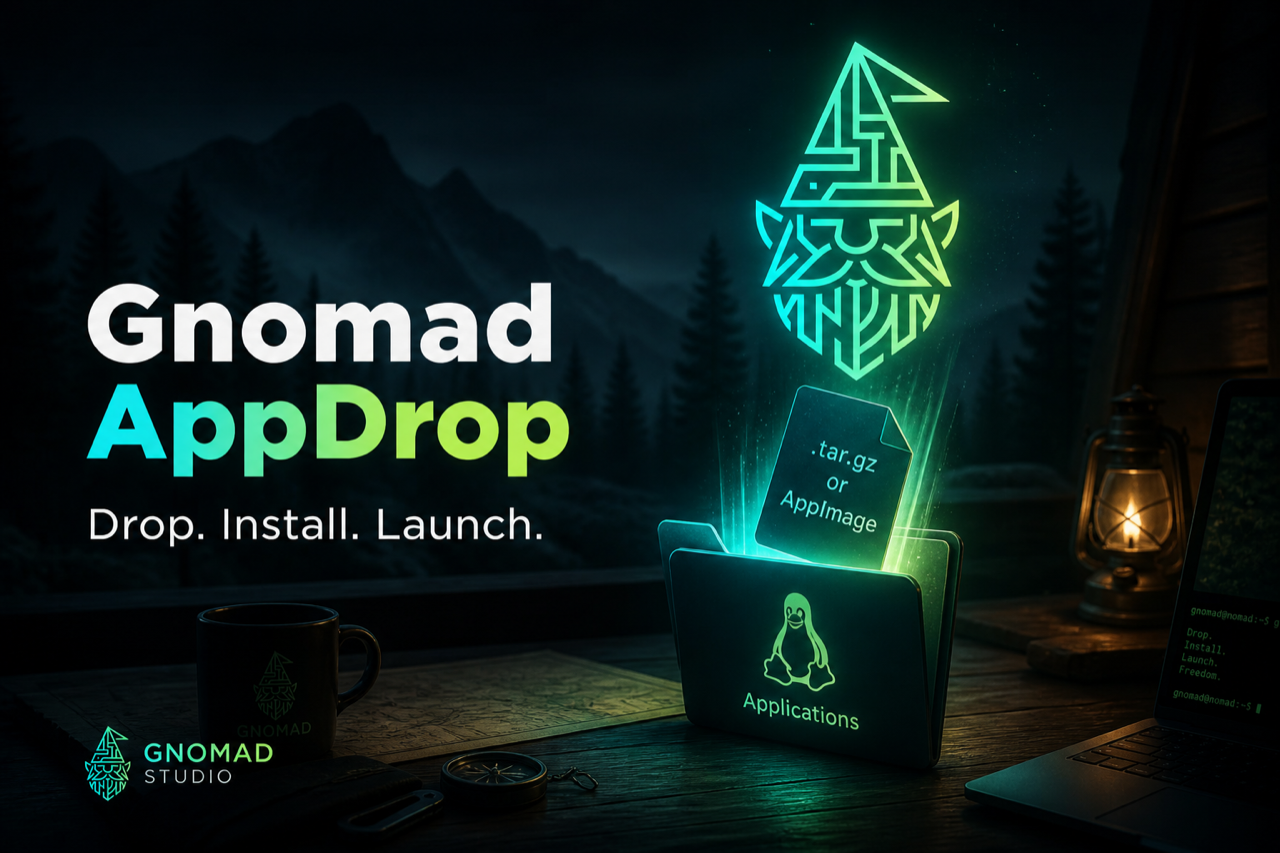
Gnomad AppDrop brings the Mac Applications-folder workflow to CachyOS, Arch, Nobara, and other Linux desktops. Watch ~/Applications for archives and AppImages, install into ~/.local/opt, generate FreeDesktop .desktop launchers, and keep a simple registry for uninstall. Start from the AppImage, or use the Setup.tar.gz plus START-HERE.desktop on KDE/Dolphin. Built by Gnomad Studio.
Built by Gnomad Studio — the same studio behind Slate, Webcanvas, and Gnomad.
Features
Install
- Watch ~/Applications for .tar.gz, .tar.xz, .zip, and .AppImage
- Safe extract to ~/.local/opt with path-traversal checks
- Detect main binary or adopt bundled .desktop files
- Register icons and launchers under ~/.local/share
Everyday use
- Background user service auto-installs on drop
- GUI status window with drag-and-drop (GTK)
- List and uninstall apps installed by AppDrop
- Rejects source-only archives with a clear message
Gnomad Studio
- Branded splash and installer from Gnomad Studio
- Direct downloads on davidcole.cloud
- Open source on GitHub
Stack
- Python 3
- GTK 3
- FreeDesktop
- systemd --user
Ready to drop?
Download the AppImage (or Setup.tar.gz fallback), then drag packages into Applications.
Download AppDrop