Case Study
Workspace RAG
A local search index for your own notes. Ollama embeddings plus SQLite keyword search. No account.
- Python
- Ollama
- SQLite
- FTS5
- rag
- semantic-search
- local-ai
- database
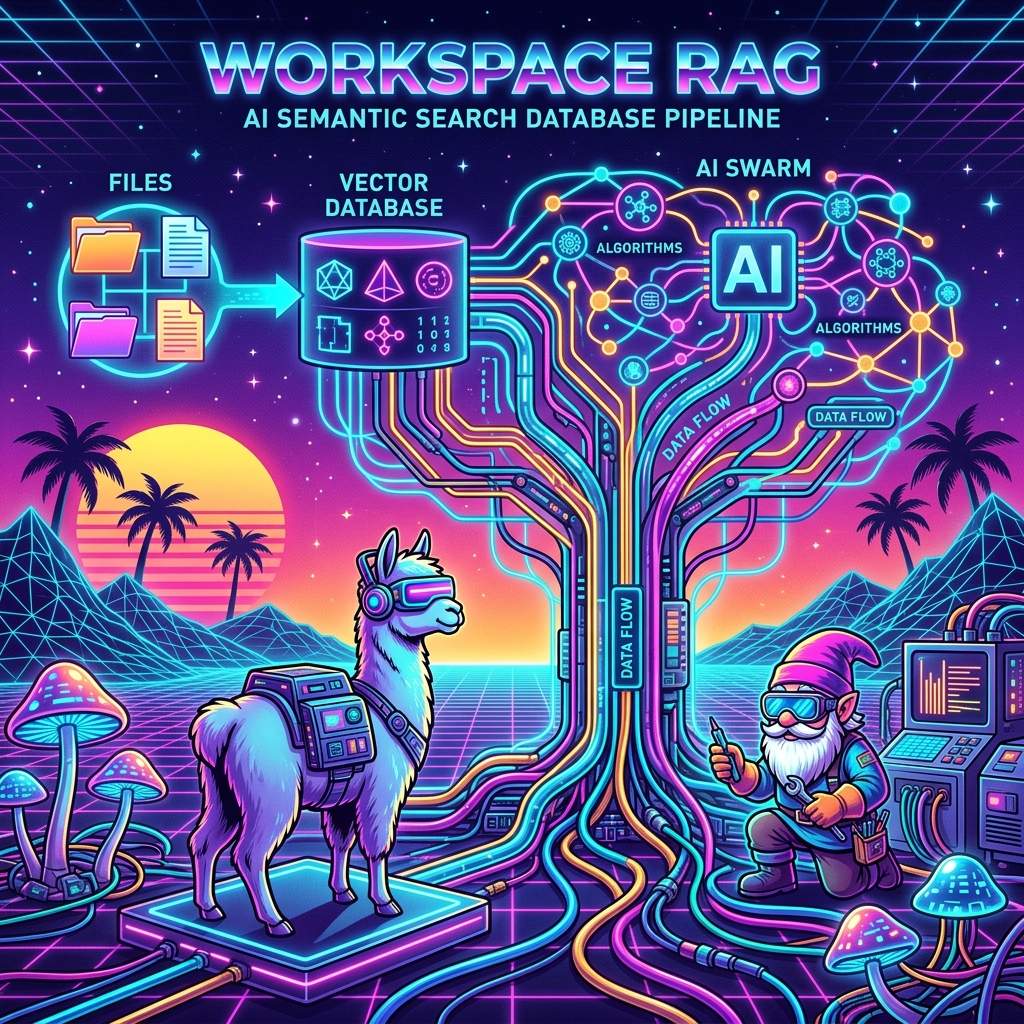
Run it on your files
Workspace RAG is a local search index for a folder of notes. You clone it, point it at your own Markdown or text, and the files never leave the machine. It is not tied to one organization.
pip install -r requirements-local.txt
ollama pull nomic-embed-text
python external/cli.py index --root ~/Documents/my-notes
python external/cli.py search "onboarding checklist" --root ~/Documents/my-notes
Source: github.com/davidthegnomad/workspace-rag
How a search works
A question is scored two ways, then the lists are merged.
                     ┌──────────────┐
                     │  Your query  │
                     └──────┬───────┘
             ┌──────────────┴──────────────┐
             ▼                             ▼
  ┌────────────────────┐        ┌────────────────────┐
  │  Ollama embedding  │        │  SQLite FTS5 BM25  │
  │  cosine on vectors │        │  exact words       │
  └──────────┬─────────┘        └──────────┬─────────┘
             └──────────────┬──────────────┘
                            ▼
             ┌──────────────────────────┐
             │ Reciprocal rank fusion   │
             └──────────────────────────┘
Meaning search uses nomic-embed-text in Ollama. Exact search uses SQLite’s built-in FTS5, which ranks with BM25, so a product code or acronym still hits when the embedding misses it. Reciprocal rank fusion (k = 60) merges the two lists.
Notes are split on Markdown headings, then to about 500 tokens, with a 50-token overlap so a sentence stays near its heading.
The index is one file: <your-folder>/.workspace-rag/index.sqlite. Firestore is optional if you already have a Firebase project. The default path does not use it.