Shipping Crapper Keeper — Auth, Extension, and Native Bridges
How Hermes and I turned a OneNote-style notebook into a live Firebase web app with Google Auth, a Manifest V3 Chrome extension, and Capacitor iOS/Android scaffolding.
- crapper-keeper
- firebase
- chrome-extension
- capacitor
- auth
From research notebook to live app
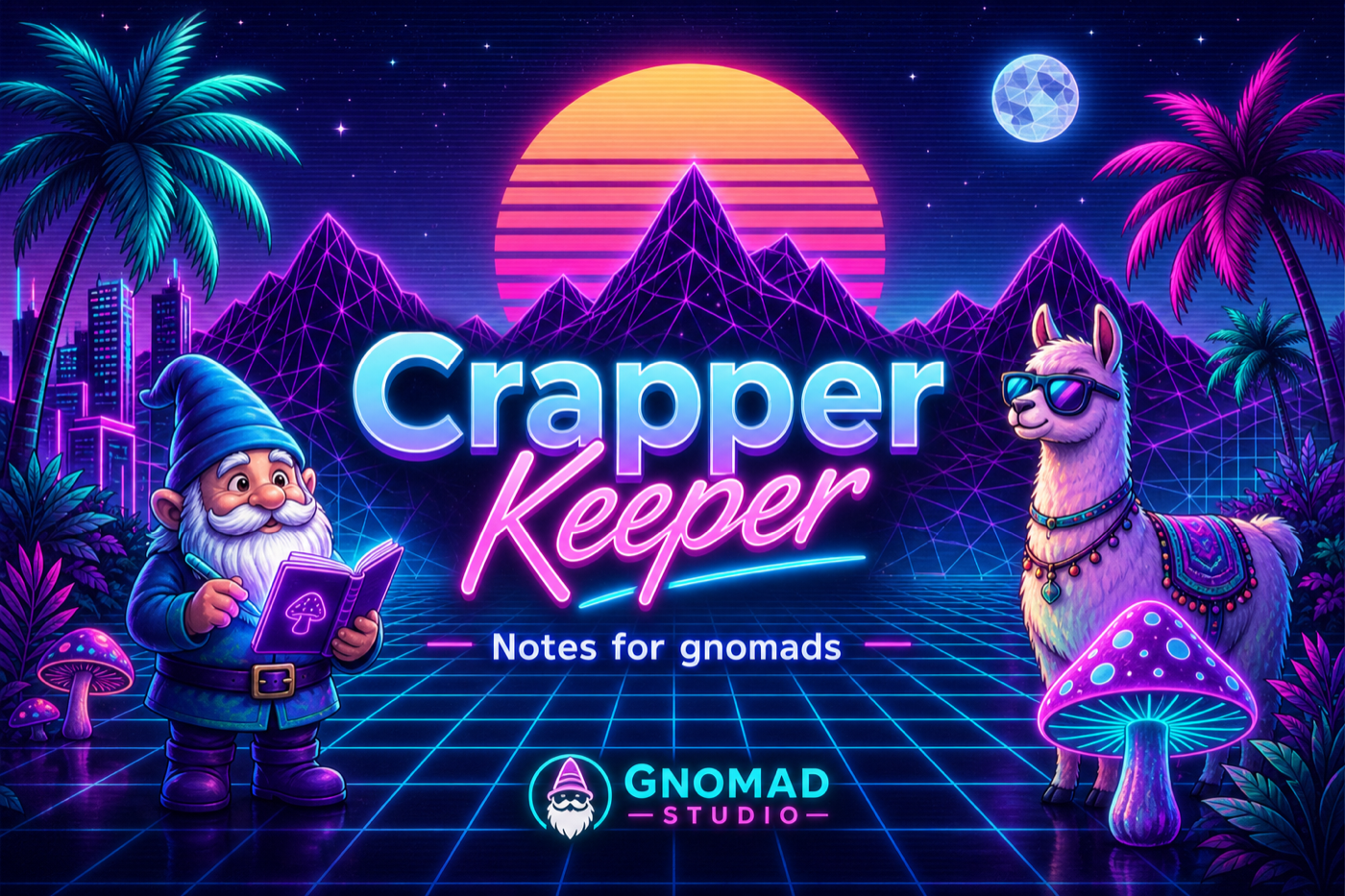
Crapper Keeper started as a vaporwave Trapper Keeper for research notes — chapters, tabs, TipTap editing, and Markdown export for RAG. This week it crossed into a real product surface: Google Auth on Firebase, a rewritten Chrome extension, and Capacitor projects for iOS and Android.
Google Auth repair
The web app had a quiet auth break: app.js imported helpers that no longer existed in the Firebase module. We restored Auth helpers, user-scoped CRUD, authorized-domain checks, and COOP-friendly headers, then verified the Google provider on the davidthegnomadorg Firebase project.
Hard refresh still matters after deploy — cached JS modules will happily keep the broken session.
Identity
Same mascot, every surface
While auth plumbing changed under the hood, the gnome-and-notebook mark stayed consistent from web favicon to extension toolbar — so users still recognize the binder after sign-in.
Chrome MV3: stop sharing sessions that do not exist
The extension had two blockers:
- Manifest V3 rejects remote
importScripts()for the Firebase SDK - The extension origin and the web app origin do not share Firebase sessions
The fix was to drop the CDN SDK from the service worker and talk to Firebase Auth + Firestore over REST with chrome.identity. Extension ID is pinned to bnphbmoakfepbbofcccekiainldenffm, with the OAuth redirect registered in Google Cloud Console.
Capacitor native scaffolding
iOS and Android projects now live under com.gnomadstudio.crapperkeeper with:
- Firebase native configs and Google callback schemes
- Sign in with Apple entitlement on iOS (provider keys still pending in Firebase)
- Credential bridging into the shared Vite/TipTap web bundle
- Mobile layout, safe areas, account deletion, and privacy policy stubs
npm run build and npm run mobile:sync are green. Device binaries are next — once Android Studio / Xcode runtimes and signing fingerprints are in place.
Next up
Art before binaries
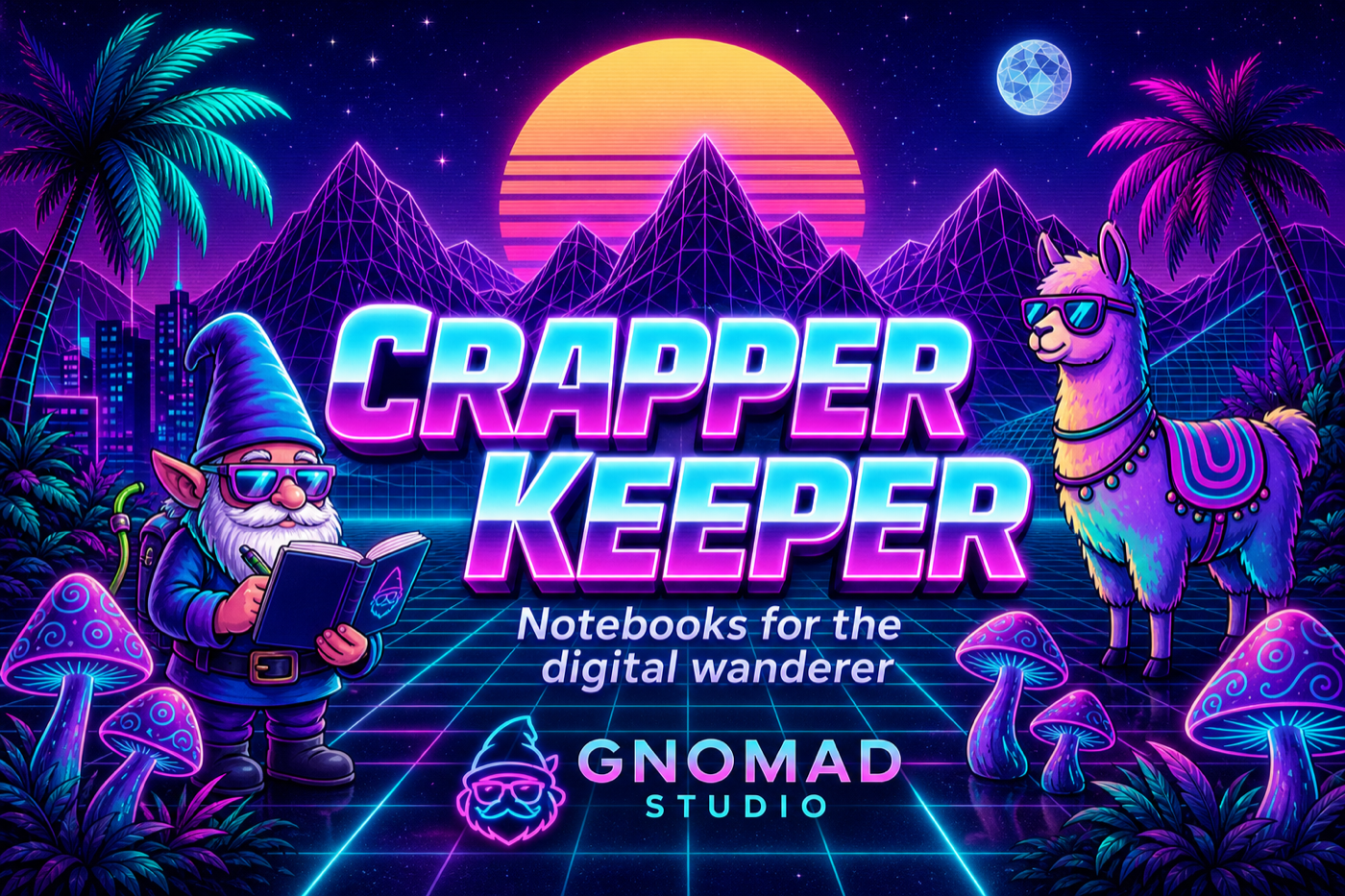
Feature graphics are already cut for Play and App Store so store submission is mostly signing, screenshots from device, and provider keys — not a last-minute illustration scramble.
Try it
- Web: davidthegnomadorg.web.app/crapper-keeper
- Case study: /projects/crapper-keeper
- App page: /apps/crapper-keeper
- Repo: github.com/davidthegnomad/crapper-keeper