Web app
Micah Boardroom
The board’s place between meetings
I built Micah Boardroom for the Micah 6:8 Initiative board. One login for the roster, the meetings, the files, and the next task.
- Python
- FastAPI
- Google sign-in
- Google Calendar

It is one organization. It is not a donor list and not a public site. Org records are open to every active member. A group’s records stay with that group.
Sign in with a password or with Google. Only people already on the roster get in. An admin copies the next invite. It lasts seven days. The app does not send email.
What it does

People
The roster, and a file you can take with you.
- Name, role, title, email, and phone
- Roles are Admin, Leader, and Member
- An admin copies an invite link. It lasts seven days
- Password sign-in, or Google if you are already on the roster
- Download the roster as a spreadsheet or a vCard
Groups and committees
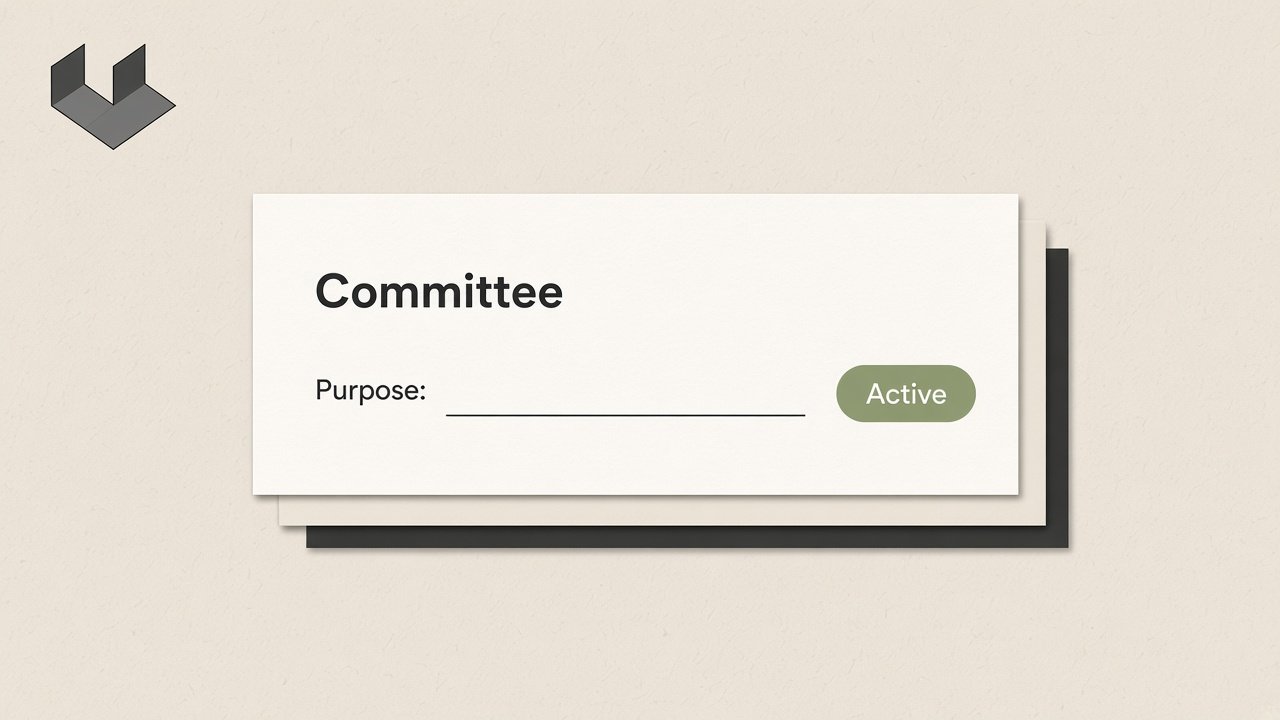
A team has a lead. A committee has a purpose and a chair.
- Groups for a team, with a lead
- Committees with a purpose, a status, and a chair
- Status is forming, active, paused, or ended
- Prospects are listed. They cannot sign in

Meetings
The agenda, the reply, and what was decided.
- A gathering is a meeting or a work session
- Agenda lines open a document or a library file
- Meetings and files are grouped by year and month
- RSVP yes, no, or maybe
- Notes, decisions, and attendance
- A link for Fireflies or another note-taker
- A calendar file for that gathering

Calendar
One organization calendar. The next dates also sit on Home.
- A leader can add an event
- Add that event to your own calendar
- Download the whole calendar
Library
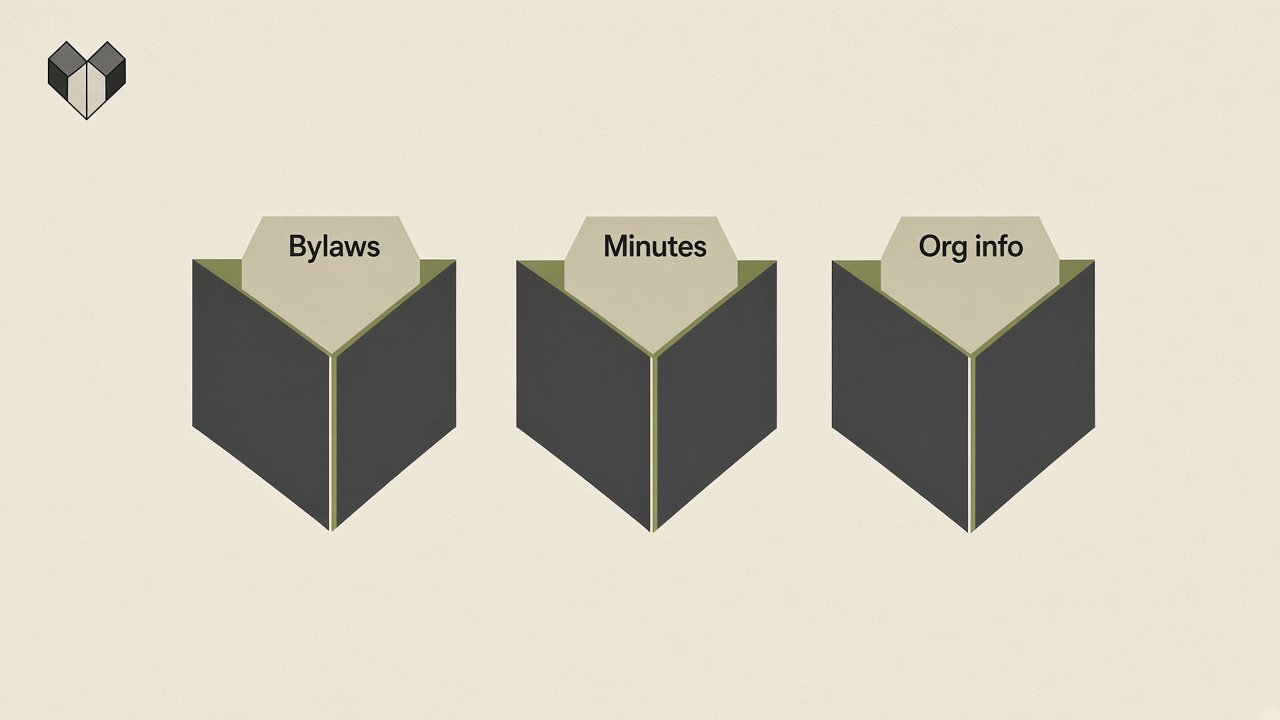
Bylaws, minutes, and org info, in one place.
- Shelves for bylaws, meeting minutes, and org info
- Every member can add a file the whole board can read
- A group shelf stays with that group
- The library stops at 5 GB. A file stops at 25 MB

Signatures
A PDF stays private until it is shared. Then people sign it.
- A leader uploads a PDF
- Each person clicks Sign. Their name is stamped on a last page
- The app records who signed and when
- The file stays a PDF. The owner can download it or add it to their own Google Drive

Between meetings
A short line on Home when something new is added.
- A short update to the whole board or to one group
- A task with an owner and a due date
- Home shows a line when an agenda, a file, a gathering, or an event is added
- A document waiting on a signature is marked so it stands out
- Each person dismisses their own line